Every quarter the board asks the same four questions: where do we stand on cyber risk, are we compliant, did anything break, and what are we doing about it. And every quarter most security teams answer by hand — exporting charts, re-typing status, stitching a slide deck together the night before. The evidence already exists; it just lives in a dozen places.
Talarity treats the board report as an assembly job, not an authoring job. The capstones your program produced this quarter — a vendor risk attestation, the disaster-recovery exercise, a framework compliance package — are the raw material. You gather them into a report, add a sentence of board-level context per category, finalize, and generate a single disclosure pack: a signed, citation-backed PDF that doubles as evidence the board exercised its oversight duty.
Who’s involved
- CISO / board liaison — owns the quarterly report and the disclosure narrative.
- Risk & compliance leads — own the capstones that feed it.
- The board / audit committee — consumes the signed pack and the oversight record.
What’s on the page
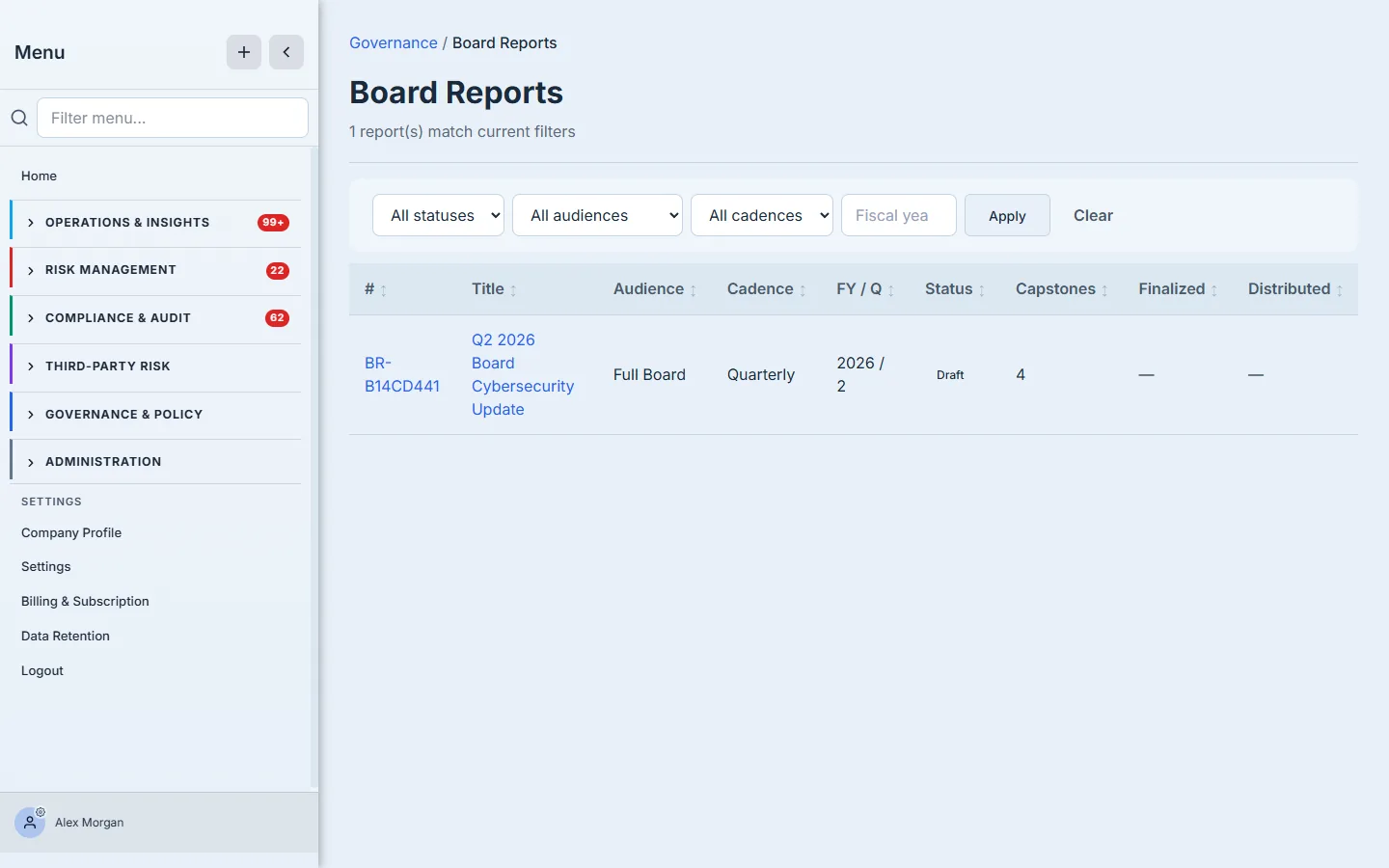
Board Reports (under Governance) opens on the cycle list — one row per report with its number, audience (full board / audit committee / risk committee), cadence, fiscal period, status, and capstone count, with status / audience / cadence filters. It reads as a calendar: last quarter’s distributed pack sits a row above this quarter’s draft.
Open a report and you’re in a six-tab case file that carries it across its lifecycle:
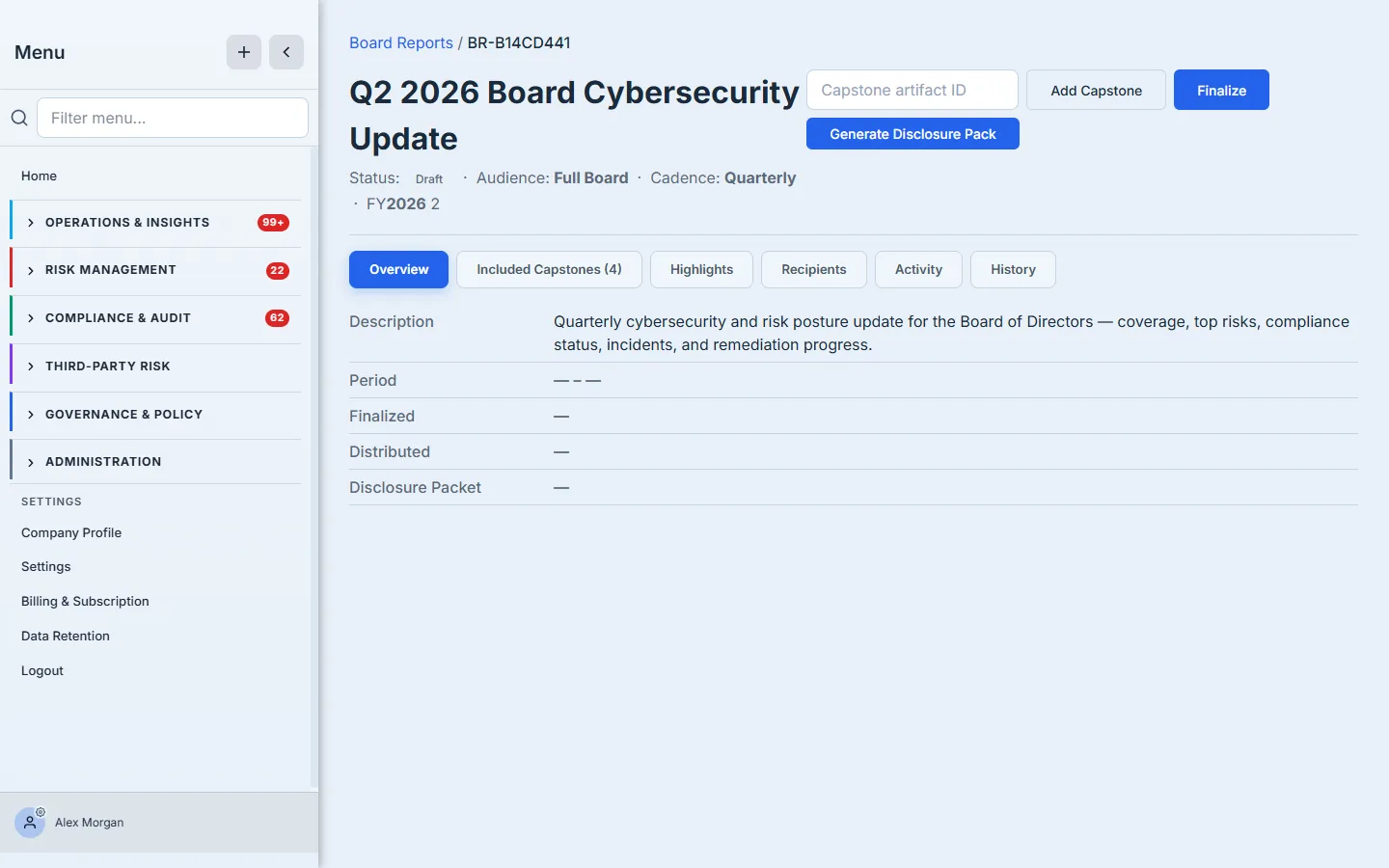
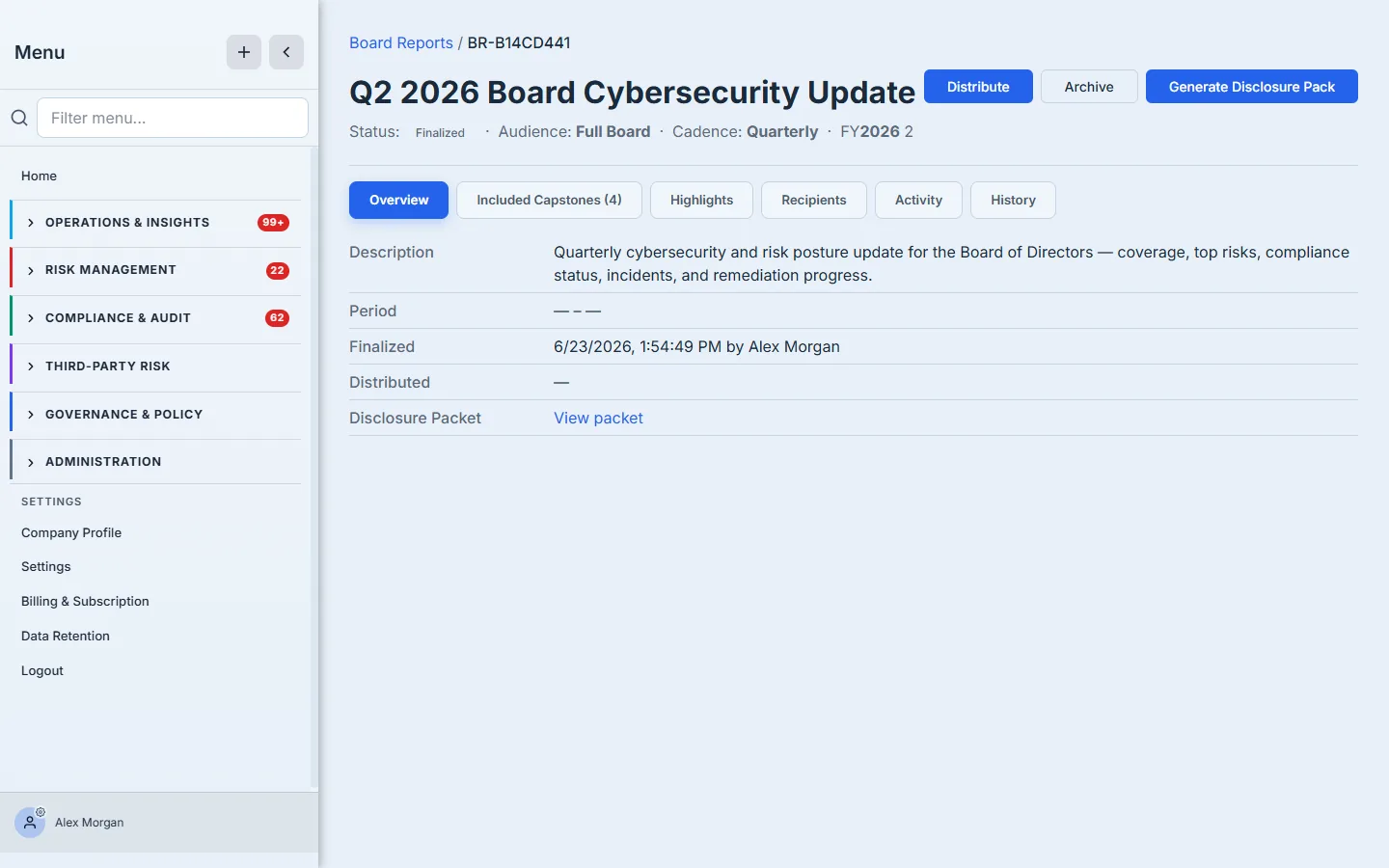
- Overview — identity, status, and the status-driven actions (Add Capstone and Finalize while Draft; Generate Disclosure Pack once Finalized).
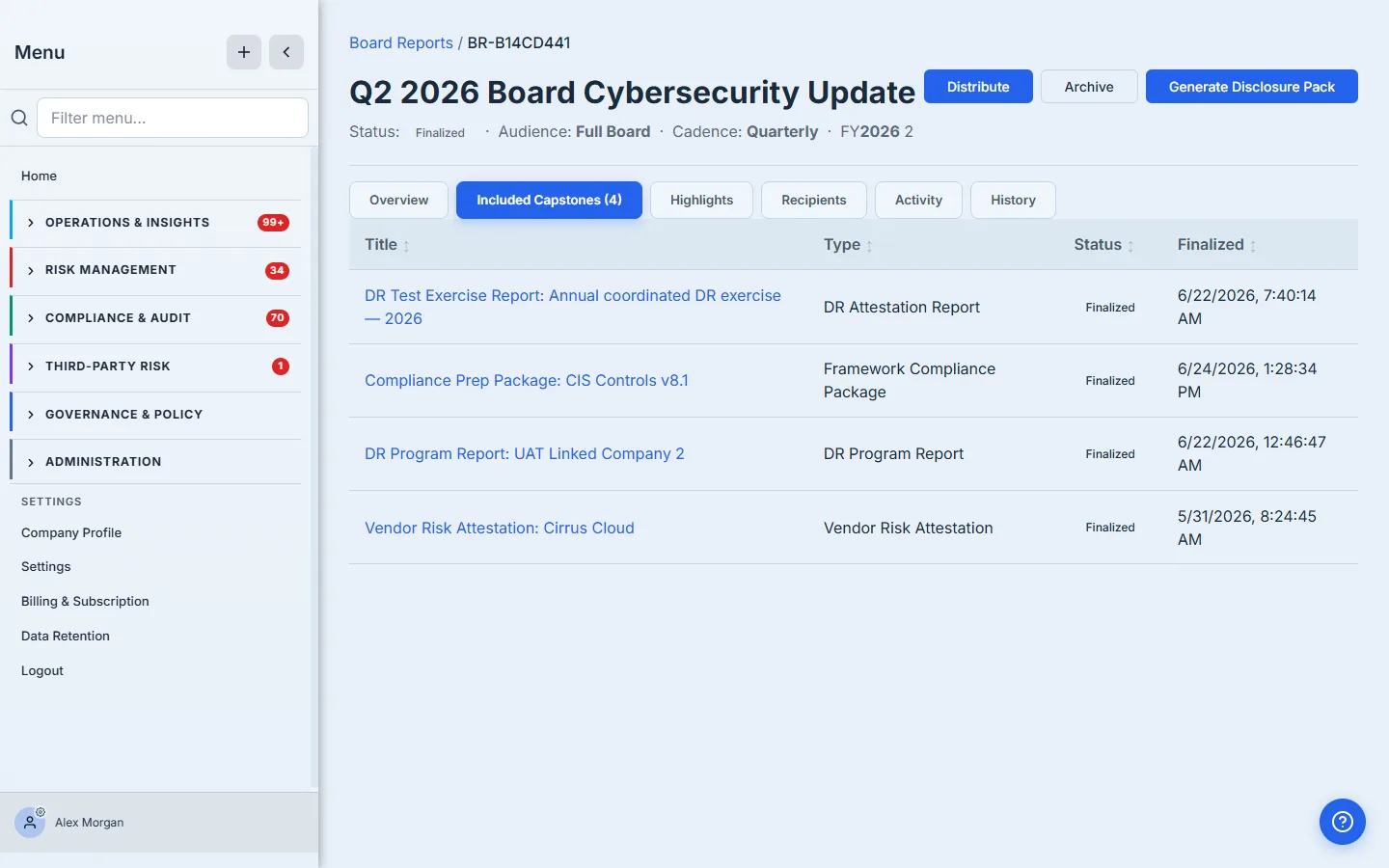
- Included Capstones — the signed artifacts the report draws on, each with type, status, and finalized date.
- Highlights — the per-category board-level narrative boxes.
- Recipients — who the finalized pack distributes to.
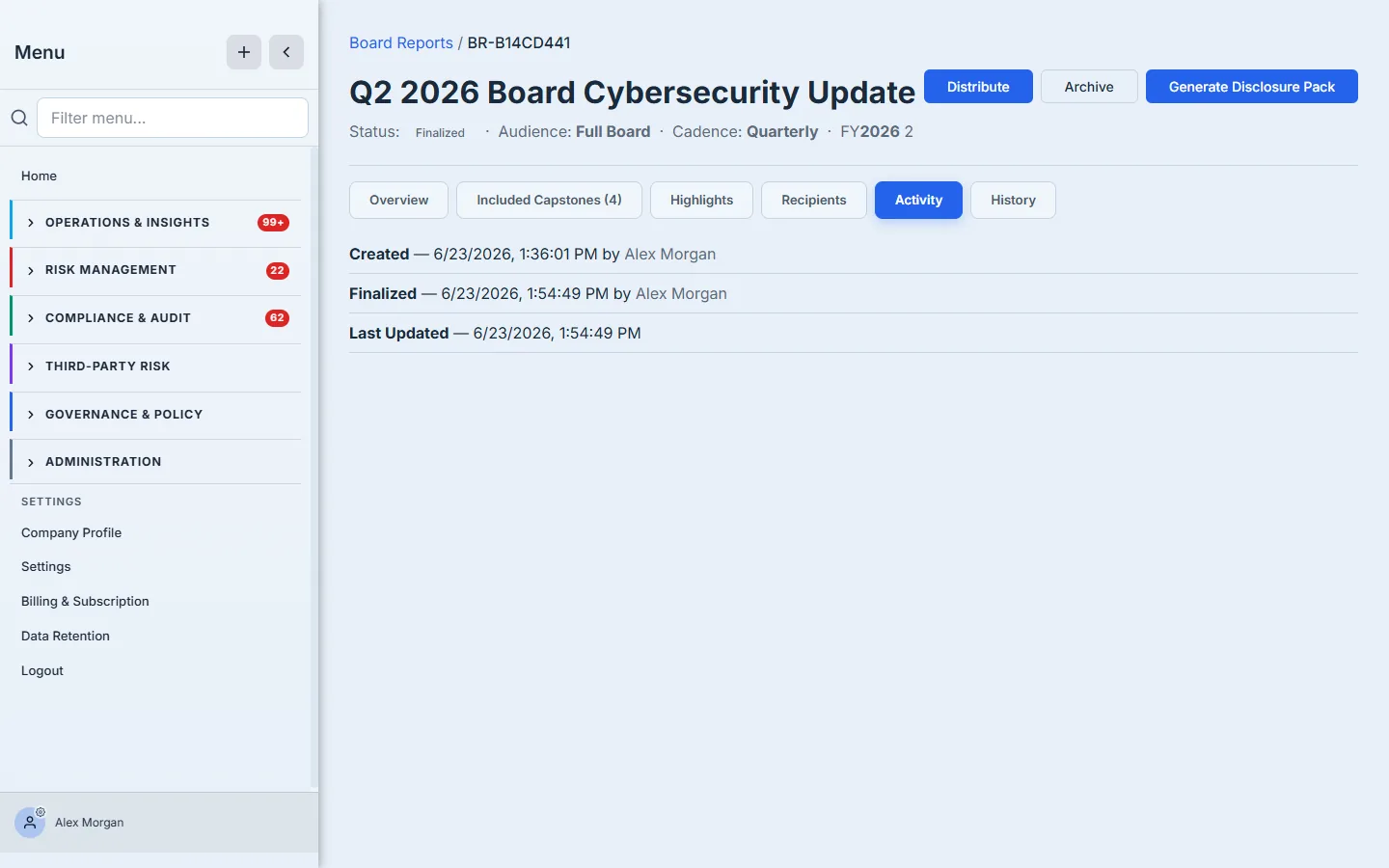
- Activity and History — the provenance trail (created, finalized, distributed) that is itself part of the oversight evidence.
A report moves Draft → Finalized → Distributed → Archived, and the actions available change at each stage — the walkthrough below follows that arc.
Step 1 — Your board reporting cycle
Open Board Reports under Governance. Each row is one report — its number, audience (full board, audit committee, or risk committee), cadence, fiscal period, status, and the count of capstones it carries. Reporting is a cycle, so the list is your calendar: last quarter’s distributed pack sits alongside this quarter’s draft.
Step 2 — Assemble the report from capstones
A board report is a container. Open one and pull in the capstones the quarter produced — here a vendor risk attestation for the primary cloud provider, the annual DR exercise and program reports, and a CIS framework compliance package. The decision at this step is editorial: what does the board actually need to see? Add the capstones that answer that, and leave the operational detail in the program.
The Included Capstones tab shows each one with its type, status, and finalized date — so you can see at a glance that the evidence behind the report is itself final, not a work-in-progress.
Step 3 — Author the board-level highlights
For each category of capstone, write a one-paragraph highlight — the board-level “so what.” The DR exercise met its recovery objectives; the Cirrus Cloud attestation was renewed with no critical findings; CIS readiness held at 58% with gaps assigned to owners. These are the sentences a director reads, and they become context for the pack’s narrative sections.
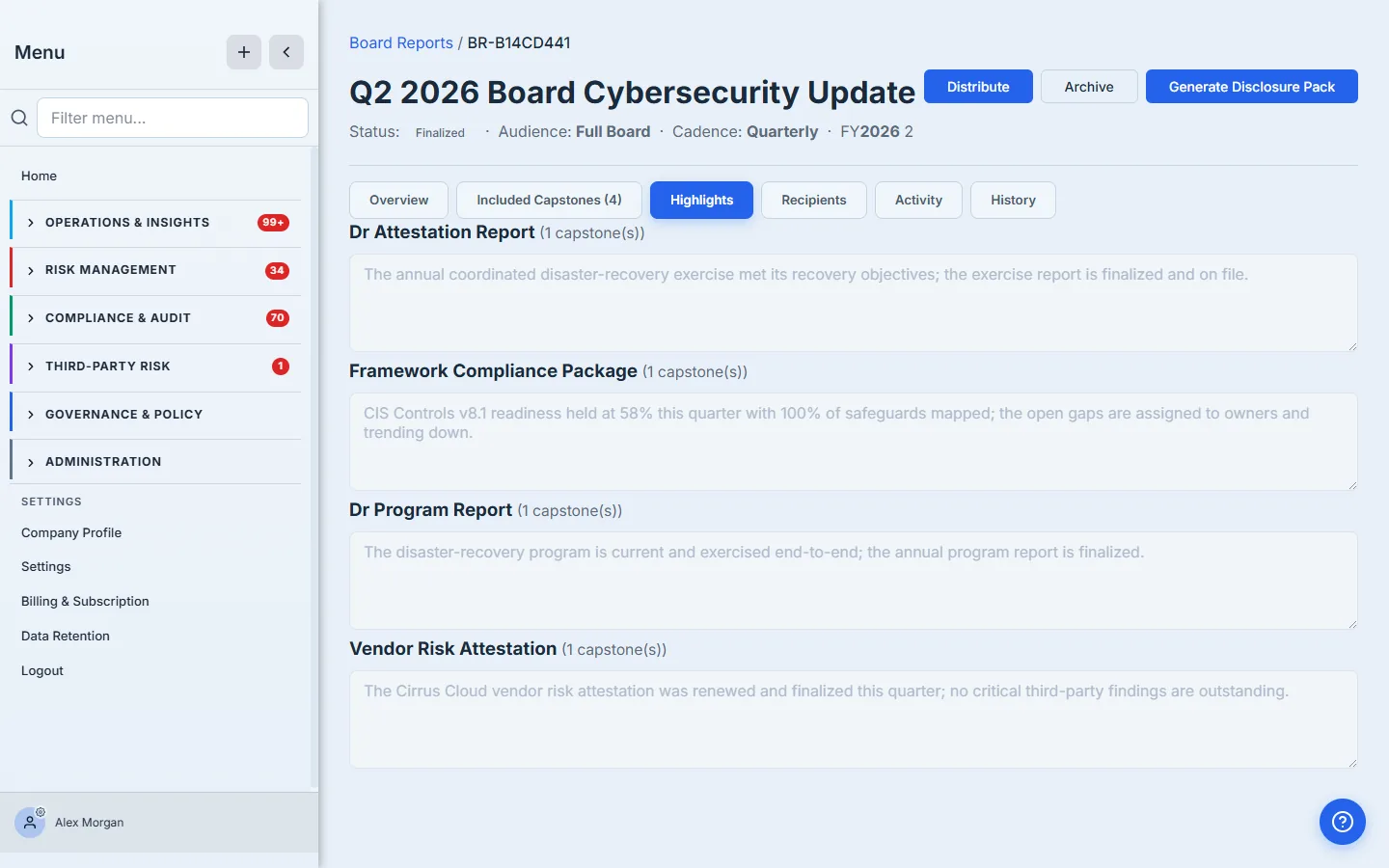
The highlight is the most under-used field in board reporting. A capstone tells the board what happened; the highlight tells them why it matters and what you’re doing about it. That one sentence is the difference between a data dump and a briefing.
Step 4 — Finalize: lock the snapshot
When the report is complete, Finalize it. This does two things. It flips the report to a locked, auditable state — no more editing the capstone list or the highlights. And it takes a snapshot: what the board reviewed is preserved, so a capstone edited next week can’t silently rewrite the version the board actually saw.
The Activity tab records who created the report and who finalized it, with timestamps. For a board pack, that provenance is part of the deliverable — it’s evidence the oversight cadence happened.
Step 5 — Generate the disclosure pack
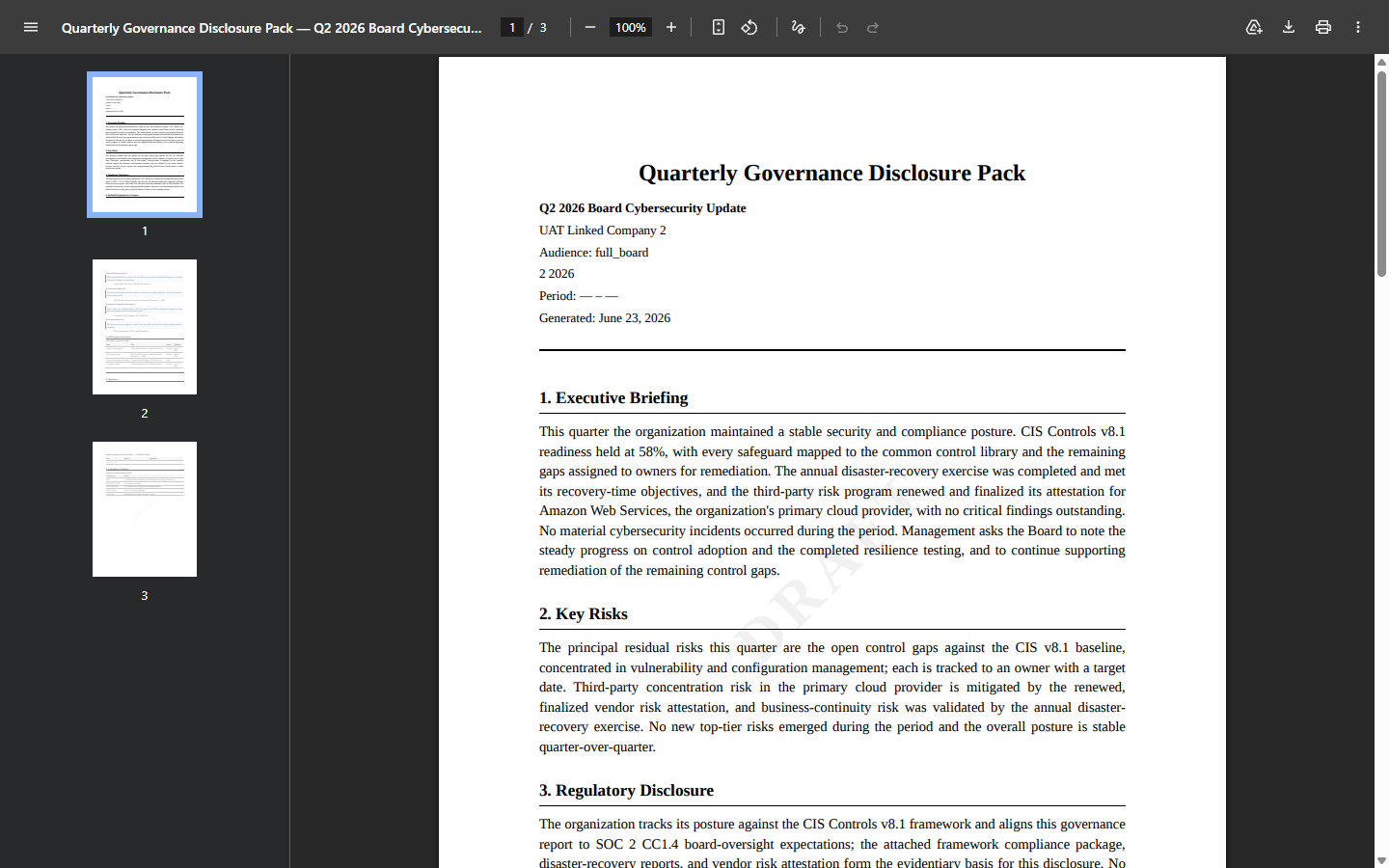
Now Generate Disclosure Pack. Talarity assembles a board-ready PDF. The first pages carry the narrative sections — an executive briefing, a key-risks section, and a regulatory-disclosure section — drafted from the report and your highlights, then yours to review and finalize before sign-off.
After the narrative comes the full capstone inventory — every included artifact with its status and finalized date — and a signatures block routing Board Secretary → CEO / Board Chair, so the pack can be formally signed.
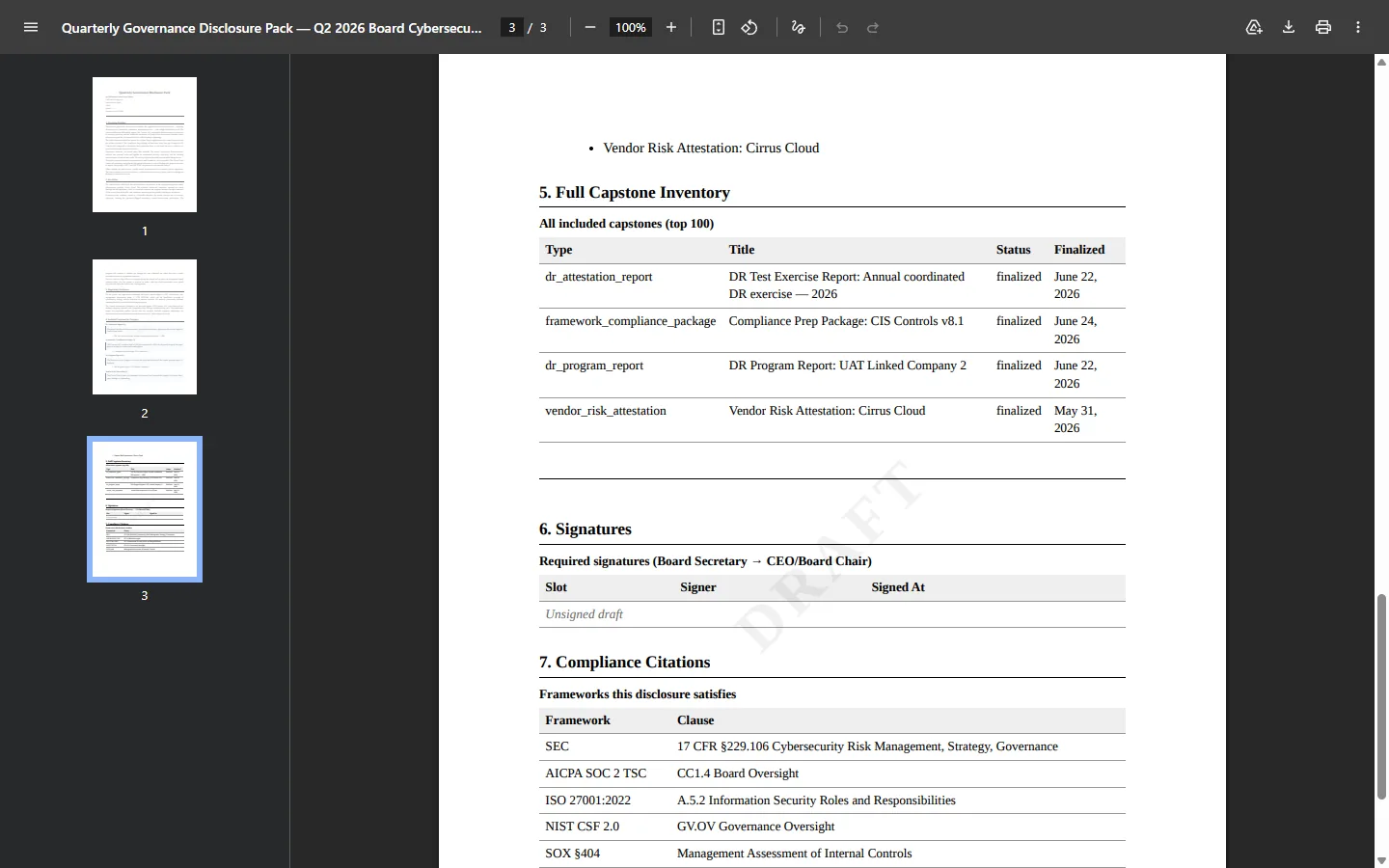
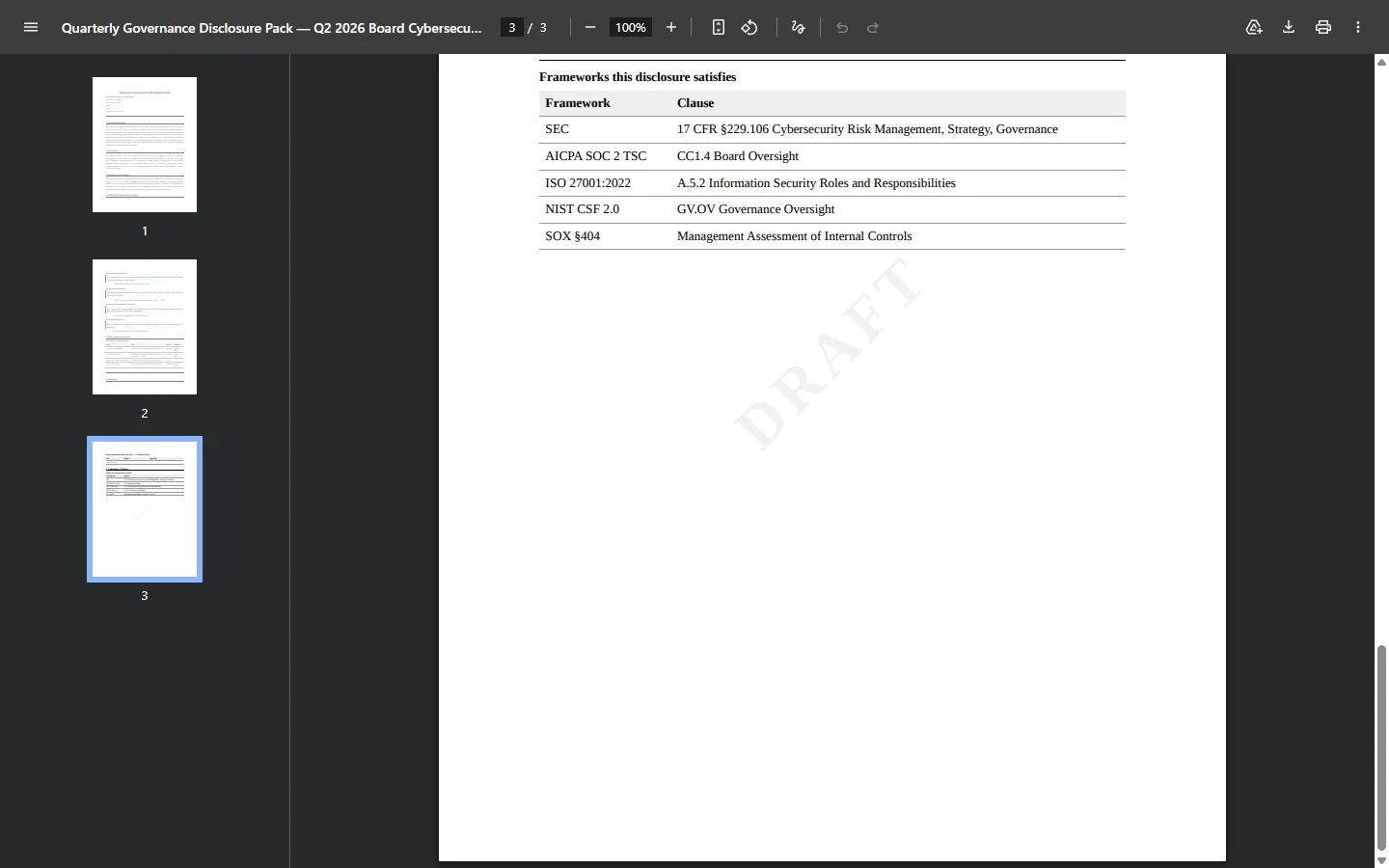
And it closes with the part that makes it a disclosure pack: a “Frameworks this disclosure satisfies” crosswalk — SEC 17 CFR §229.106, SOC 2 CC1.4 Board Oversight, ISO 27001:2022 A.5.2, NIST CSF 2.0 GV.OV, and SOX §404 — mapping the pack to the specific clauses a board’s oversight duty answers to.
From here the report distributes to its recipients and then archives — and next quarter’s cycle starts against the same library, with last quarter’s pack one row up the list for comparison.
What you walk away with
- A board report assembled from evidence, not rebuilt from scratch — the capstones your program already produced.
- A finalize-locked snapshot — what the board reviewed is preserved, immune to later edits.
- A signed disclosure pack — executive narrative, capstone inventory, signatures, and the SEC / SOC 2 / ISO / NIST / SOX citations board oversight requires.
Open Governance & Policy → Governance Management, on the Board Reports tab, add this quarter’s capstones to a new report, write a sentence per category, and finalize. The pack generates itself — and the next board meeting stops being a fire drill.